Where can I find my program's dedicated referral portal?
Every GrowSurf program comes with a dedicated referral portal hosted on https://grow.surf. This page is where your participants can go to track the status of their referrals, grab their unique link, and check their reward progress.
Your program-specific URL can be found at https://grow.surf/YOUR_PROGRAM_ID .

Important notes
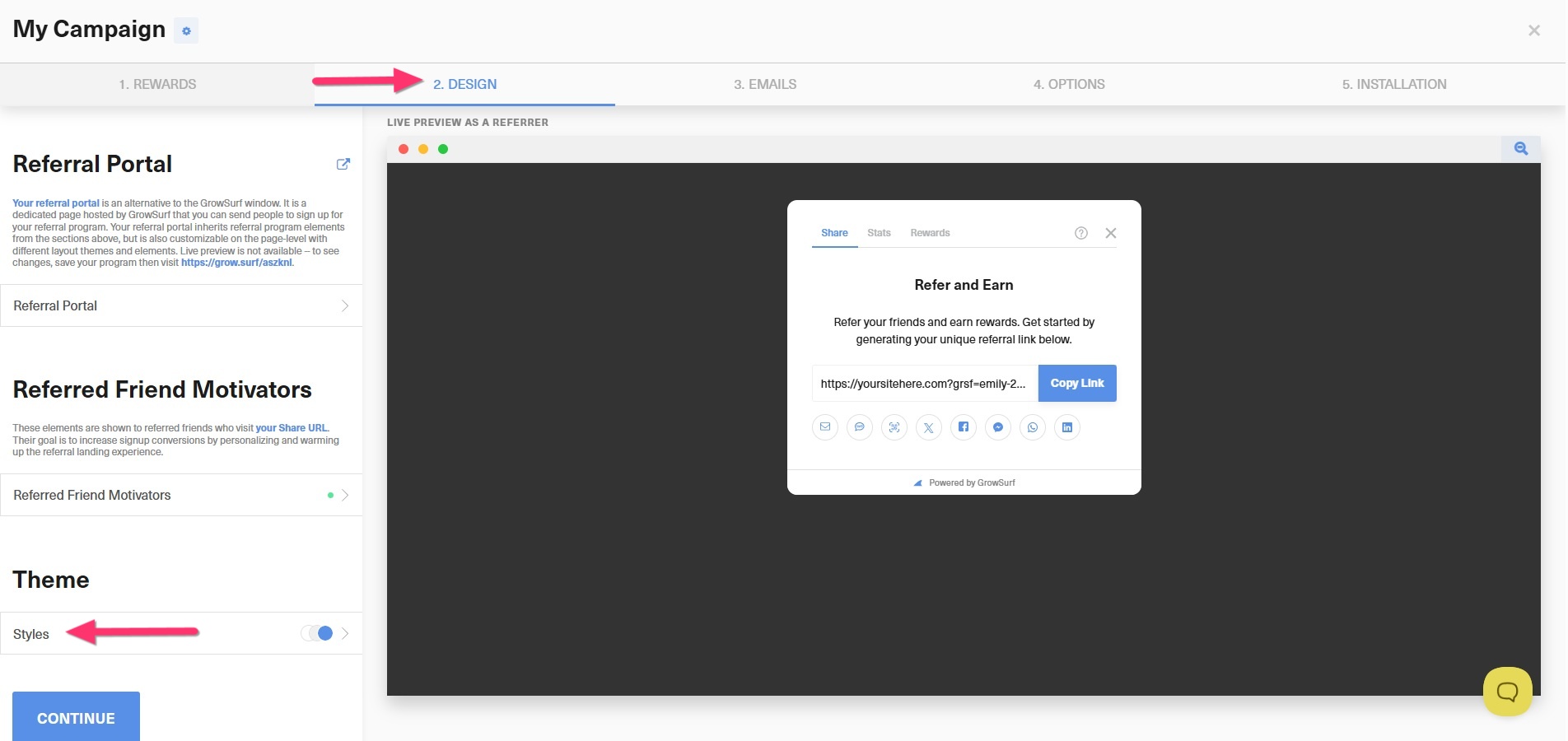
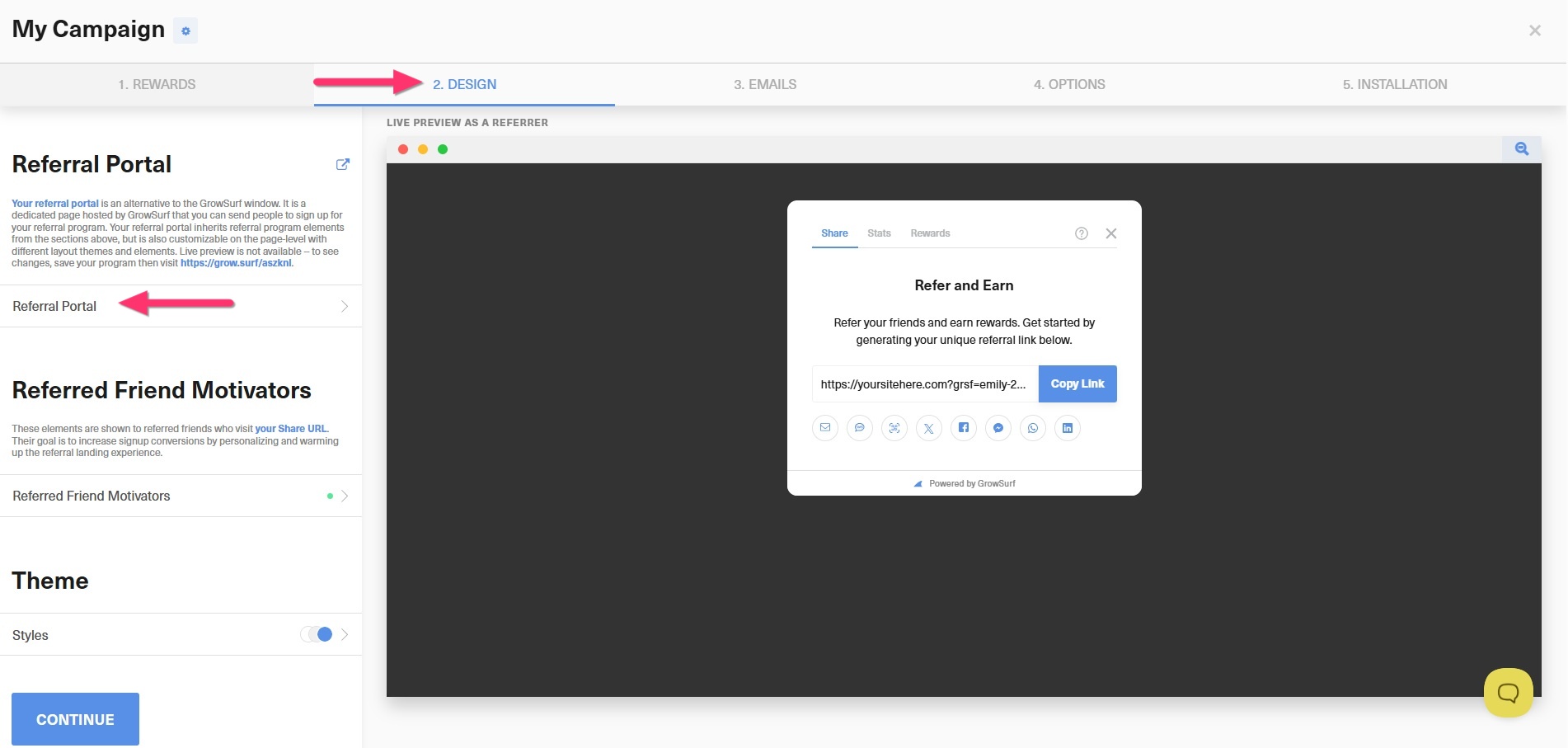
To access your program’s referral portal, go to Program Editor > 2. Design, then scroll down to Referral Portal.
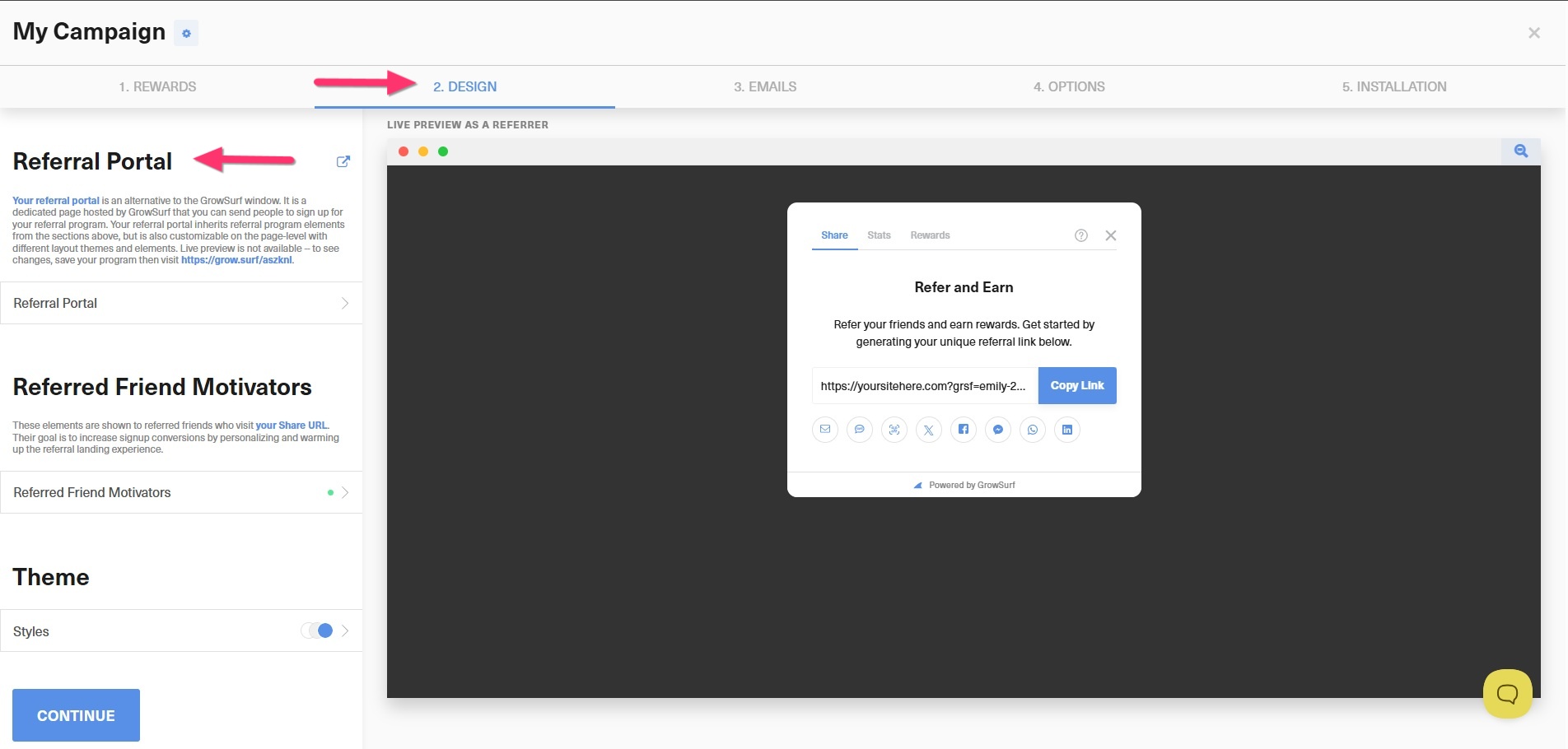
To add a custom domain to your referral portal, go to Program Editor > 2. Design > Referral Portal.
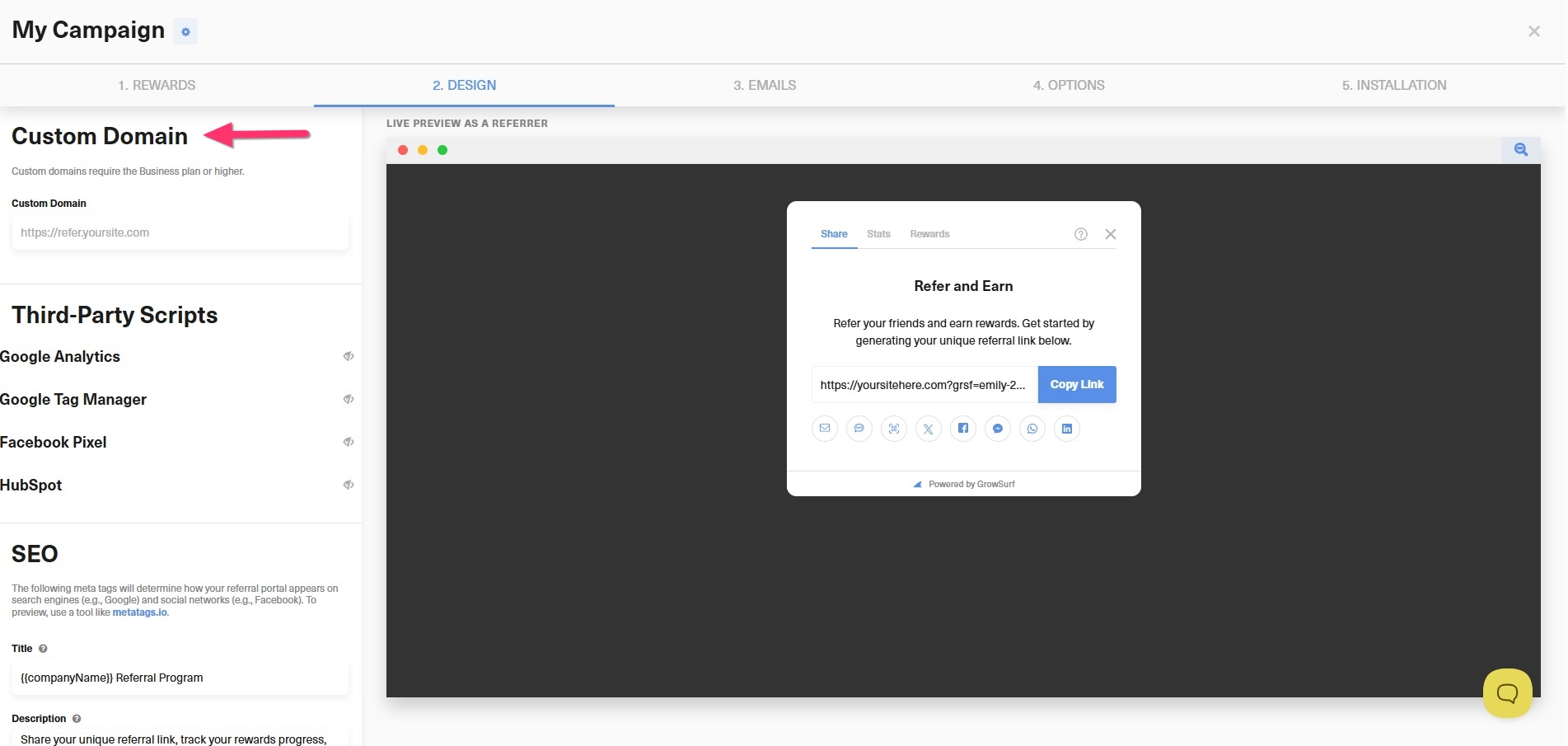
Next, scroll down to Custom Domain.
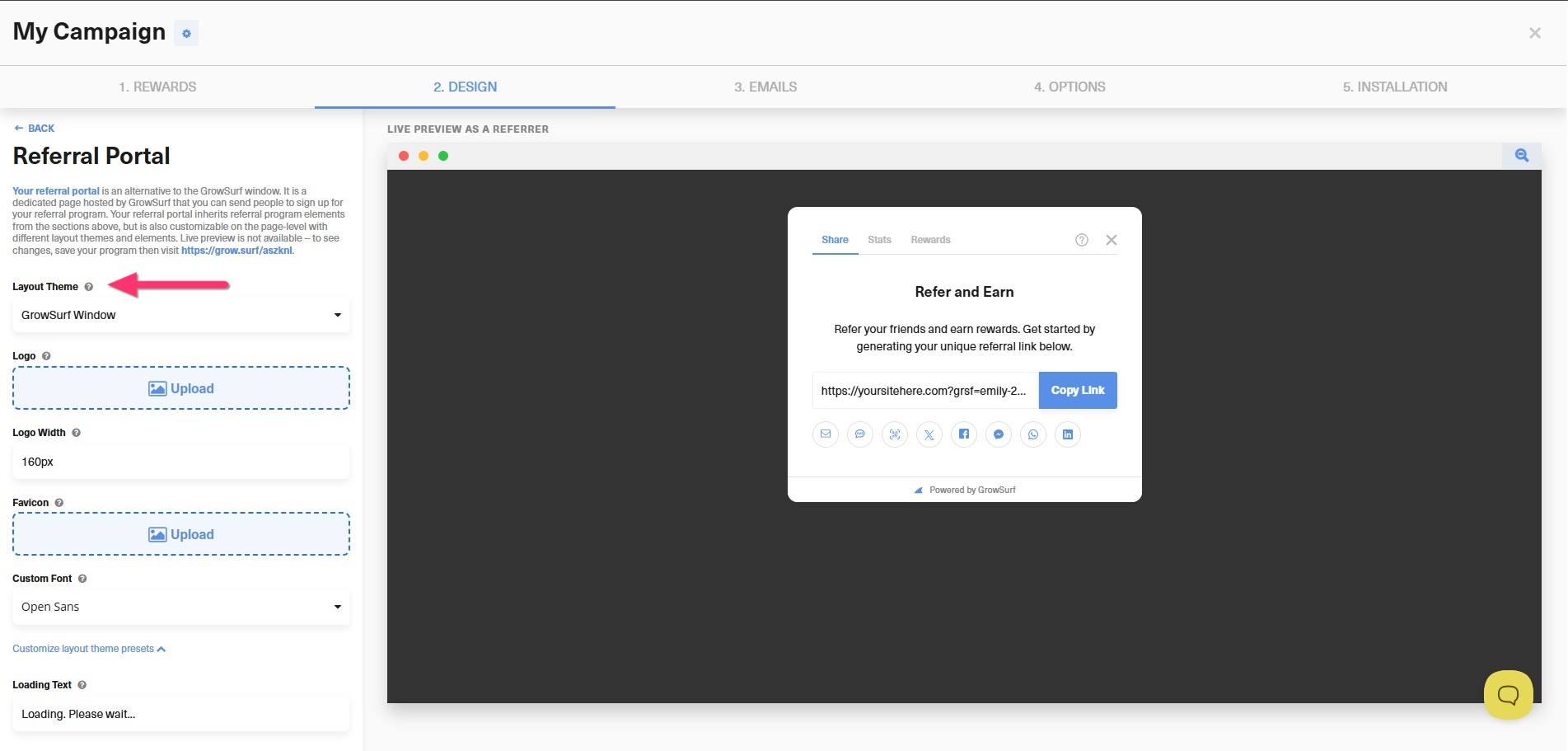
The referral portal offers four layout themes. To view or change them, go to Program Editor > 2. Design > Referral Portal.
Next, click the Layout Theme dropdown menu.
To customize the design of your referral portal, go to Program Editor > 2. Design > Styles.